Julius's How-To Guide
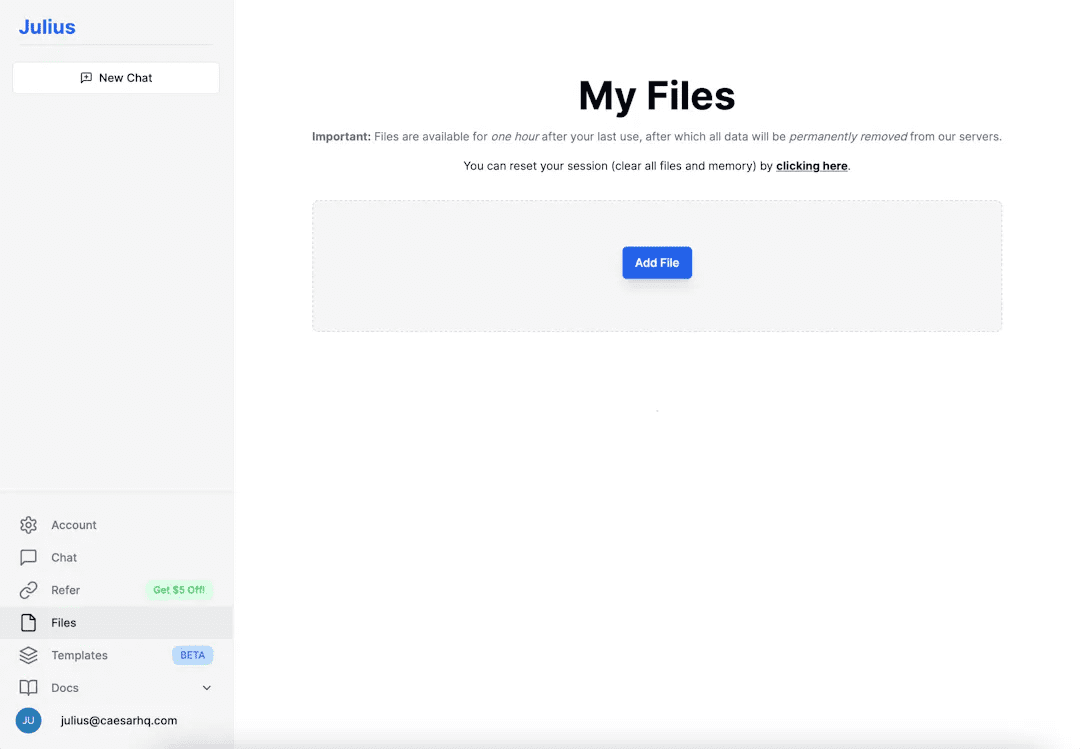
Step 1: Connect to a data source Visit the [My Files] tab and click the "Add File" button in the center of the screen. Select Upload File to upload a file in any format for Julius to analyze or edit, be it a CSV, Excel, JSON file...






















































 English
  简体中文
简体中文  日本語
日本語  한국어
한국어  Русский
  Español