
Domestic server binding non-record domain name and deploy wordpress
1.Bind domain name in cloudflare 2.cloudflare Tunnels Deploy on server as per tutorial and set forwarding port and domain name for the website 3.Bind 172.0.0.1:port (nginx) to server web directory ...

Leonardo AI: Tutorial on how to use prompts to generate images in real time
Overview Live Generation is an addition to our family of real-time features on the Leonardo.Ai platform. It lets you instantly see images being generated and changed as you type text. You can constantly restate, rewrite and refine your ideas. About real-time generation Refinement...
Leonardo AI: Live Canvas Tutorials
Overview Live Canvas is the result of the latest image conversion technology that we have adopted. This feature quickly transforms your drawings into stunning works of art, revolutionizing the way users interact with AI to generate images. It provides an immersive and intuitive creative experience, like painting digitally...
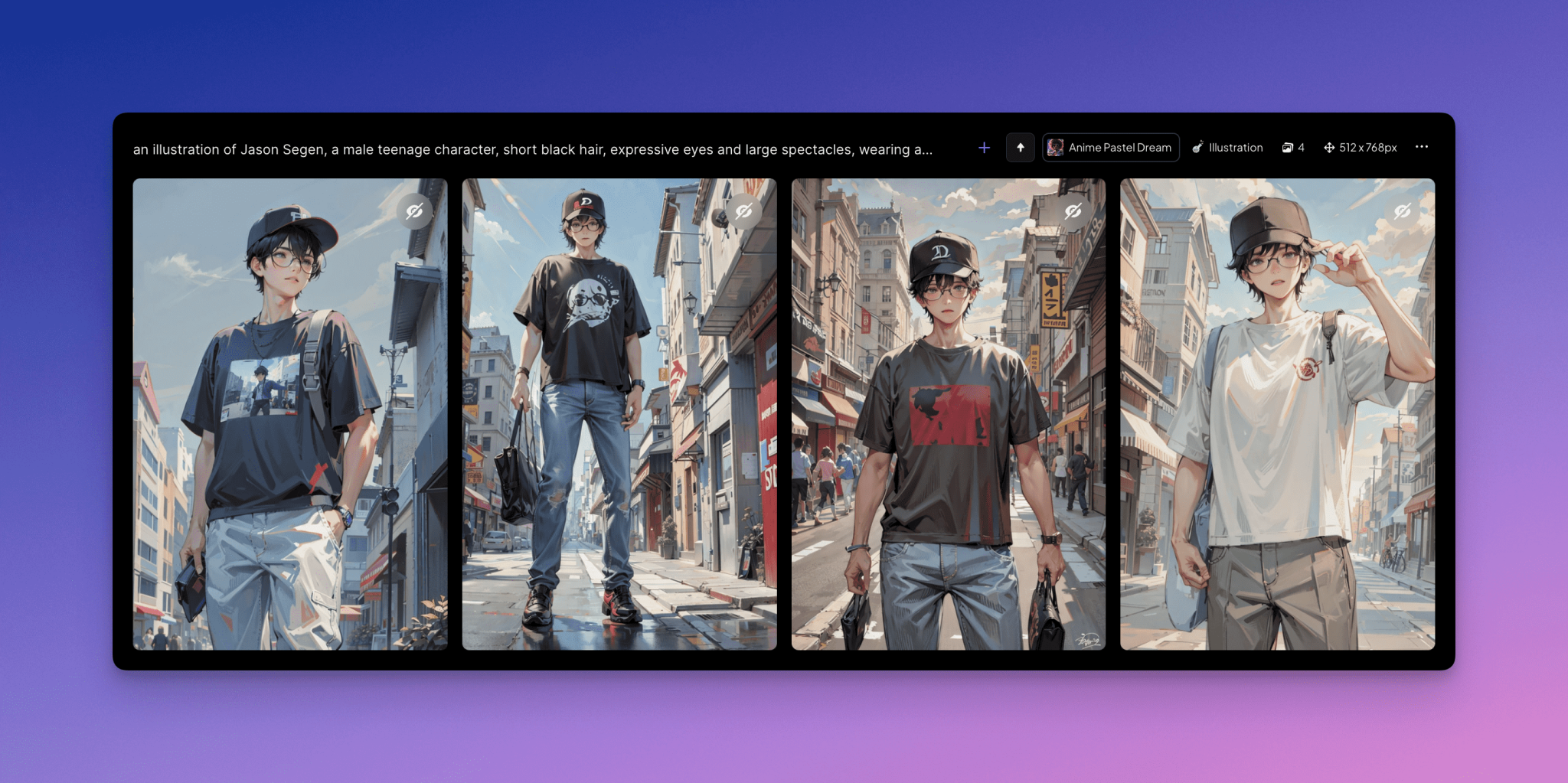
Leonardo AI: Generating Consistent Character Images Tutorial
It's useful to keep AI-generated character designs consistent across multiple scenarios, whether you're designing a cover for a book series or producing concept art. However, it's no easy task - especially when using an illustration style. To simplify the process, we've crafted this guide that covers what you need to do to create consistent character...
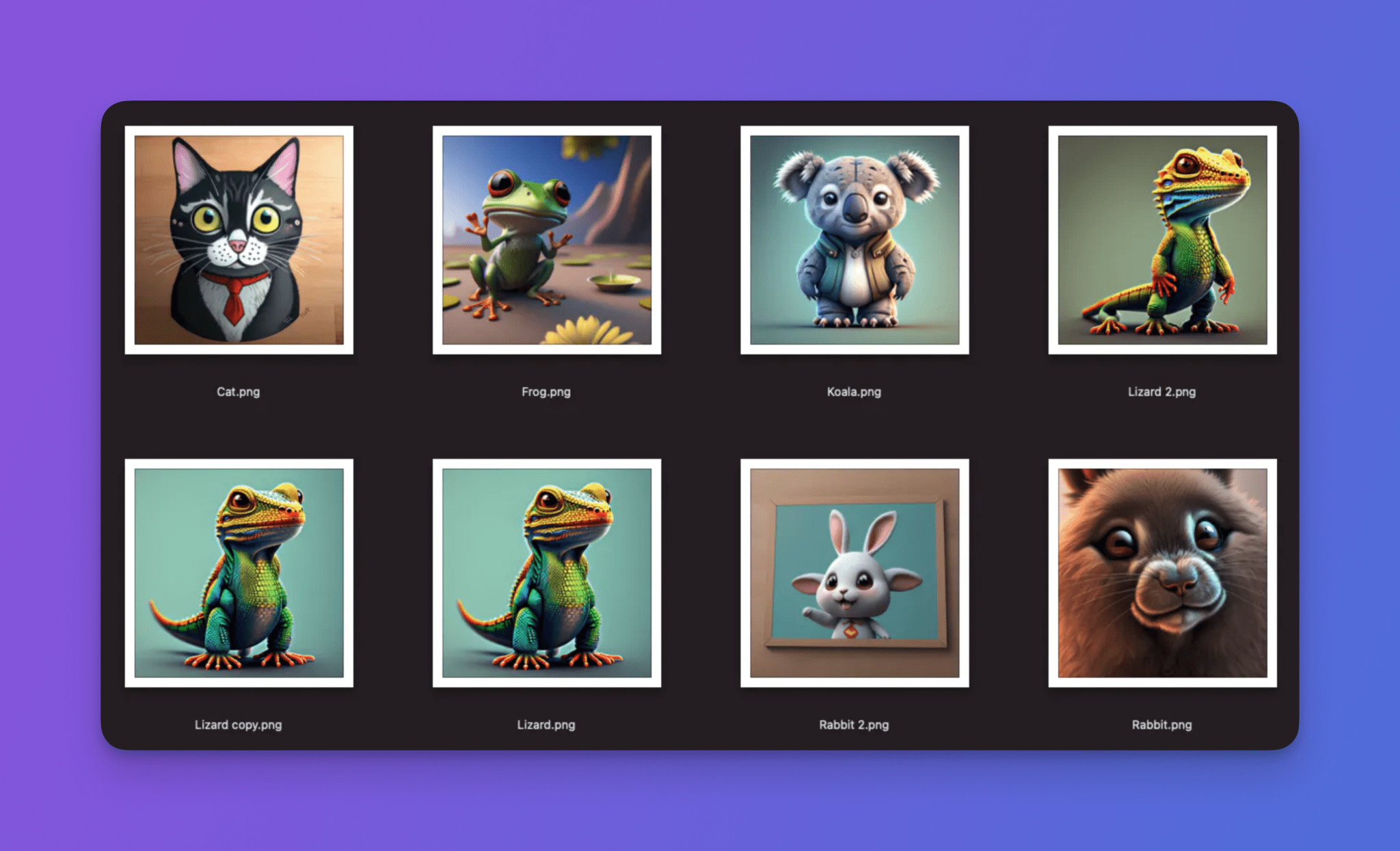
Leonardo AI: Train Your Own Image Generation Model for Free!
Introduction Training your own image generation models using Leonardo.Ai can be a highly fulfilling experience once you have mastered an effective method. Model fine-tuning, which is its formal name, is a powerful feature that allows you to customize the output to your stylistic needs. In the tour...
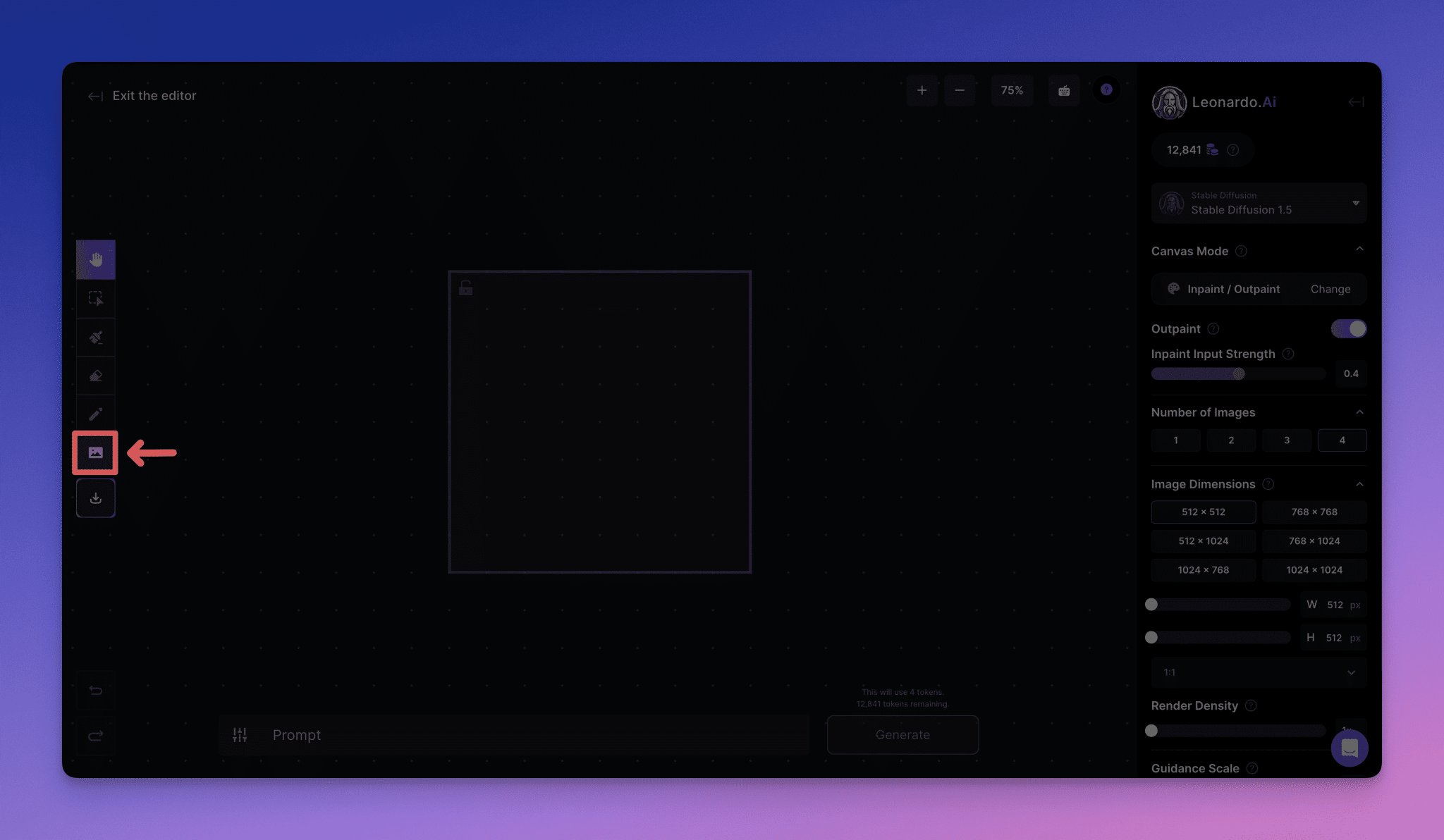
Leonardo AI: The Complete Guide to Using the Canvas Editor
Canvas Editor is a powerful image editing tool that lets you make fine adjustments to your images, remove unwanted elements, and even create new content using advanced image repair and expansion techniques. With the [new release of Canvas Editor], you can now have more detailed control over image modifications...
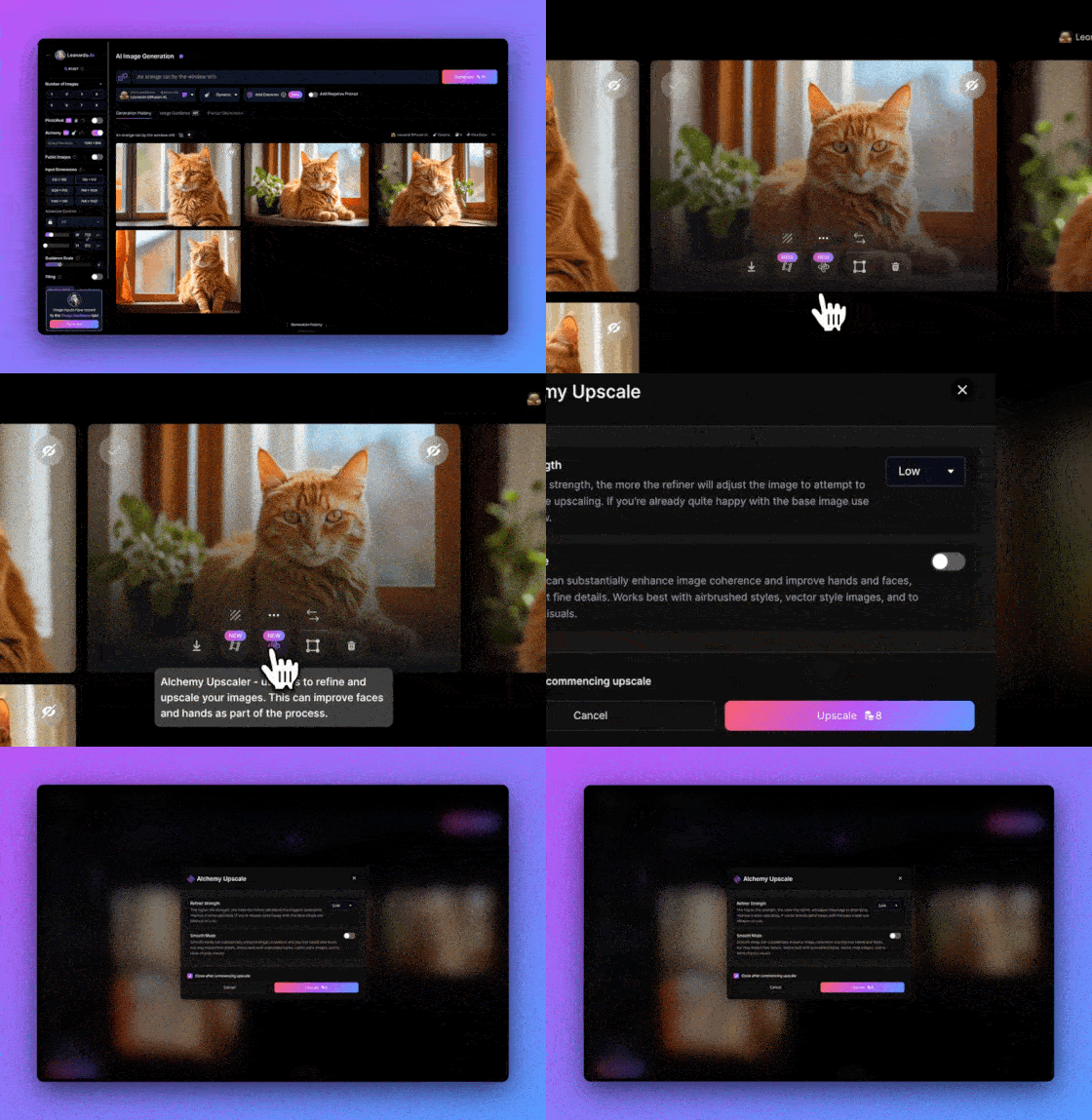
Leonardo AI: Using Artificial Intelligence for Image Post-Processing Using Tutorials
After creating a beautiful photo, you may need to enlarge it for printing or make a background-free version for compositing. In the web application, you can directly utilize our AI post-processing tools to enlarge the image. 1. Use Alchemy to zoom in Visit [A...
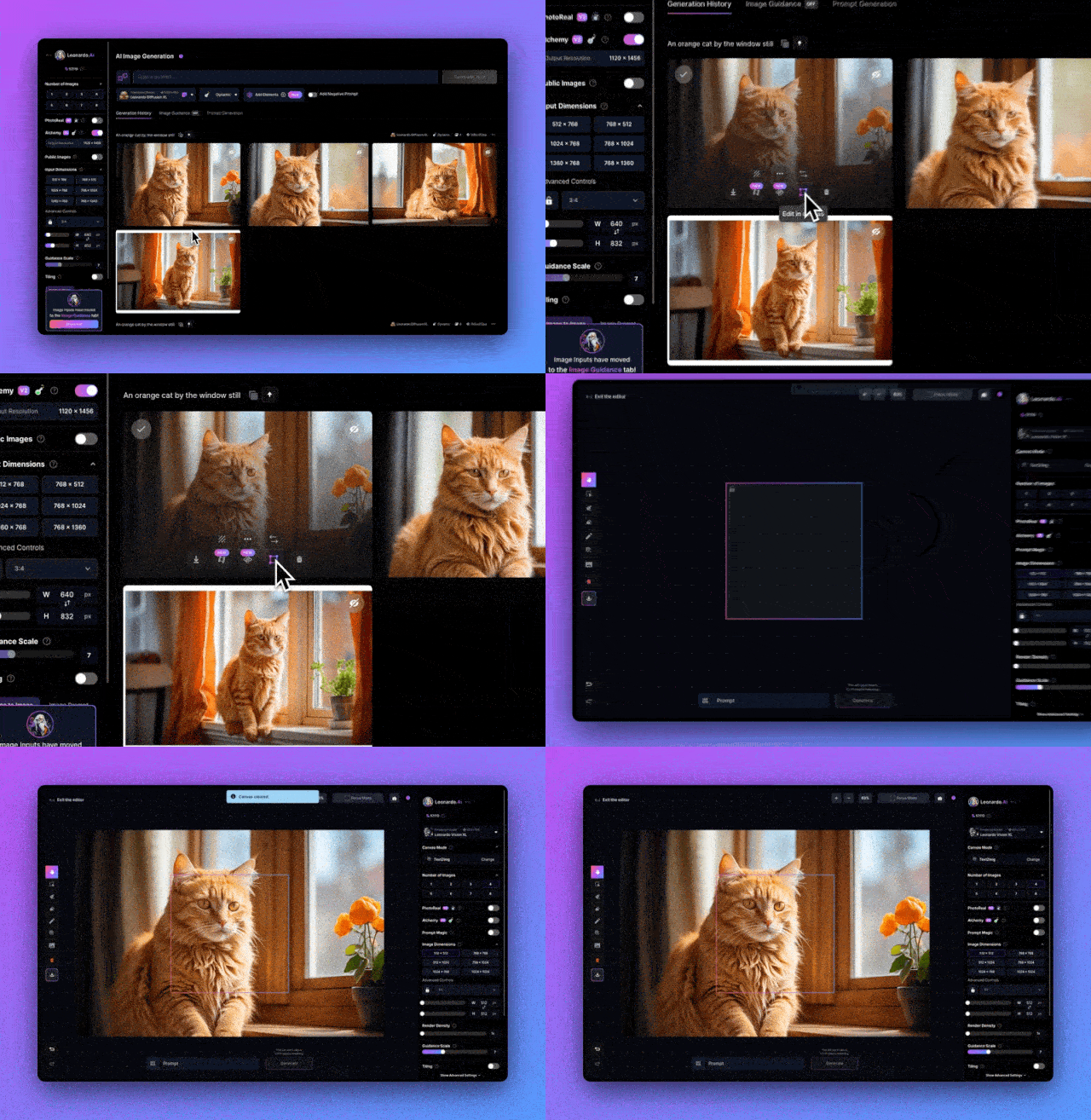
Leonardo AI: Tutorial on editing images with the canvas editor
In the process of creating images, even with the use of sophisticated text-to-picture hints, it may sometimes be necessary to fine-tune some details, as the image generation model is inherently randomized. To adjust the generated image, you can use the canvas editor. 1. Enter the Canvas Editor After generating the image...
Leonardo AI: Advanced Text-to-Picture Hints Tips
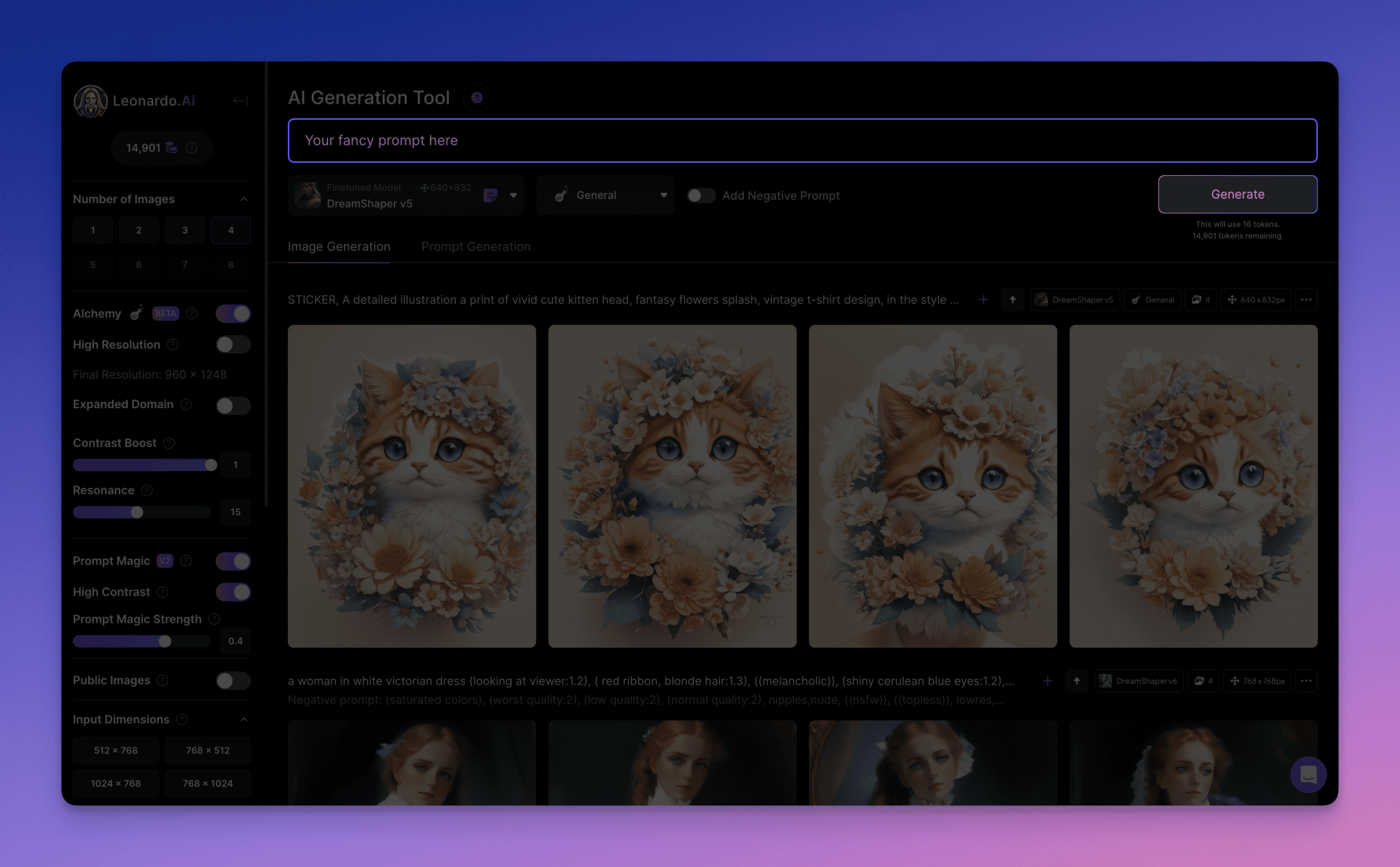
Getting Started Tip The prompt input box is located at the top of the screen. Here you can enter exactly what you want to generate. You can enter just the elements you want to see, or you can enter complete sentences - as the system understands both very well. But the key is clarity - the more our AI tools can...

Leonardo AI: Writing Great Text-to-Image Prompts Using Tutorials
When you first tried to create an image in [Image Generation via Text Prompts], you probably started with a simple prompt such as "An orange cat by the window sill". This guide will draw on the wisdom of the Leonardo.Ai community, our hint generation feature, and some best practices for building hints to help...
 English
  简体中文
简体中文  日本語
日本語  한국어
한국어  Русский
  Español